Introduction
The Nintendo Switch has revolutionized home entertainment with its unique design and flexibility in gaming modes. Despite its popularity, users frequently encounter issues that can detract from the overall gaming experience. These range from hardware failures such as Joy-Con drift to software glitches and connectivity troubles. Addressing these concerns effectively can enhance your enjoyment and extend the life of your console. In this guide, we’ll explore prevalent issues with the Nintendo Switch and provide practical solutions you can apply to overcome them.
Understanding Nintendo Switch Hardware Issues
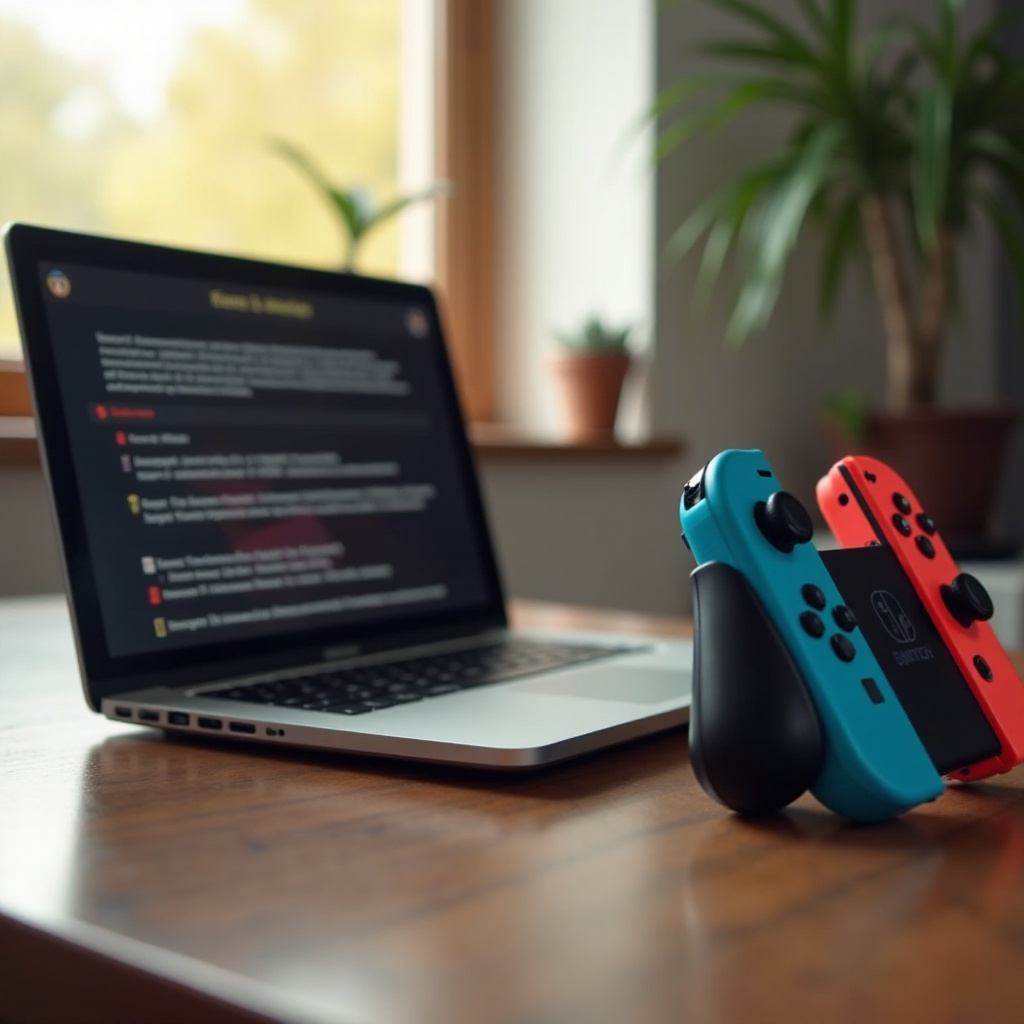
Hardware problems can disrupt your gaming experience dramatically. Among the most common are issues with Joy-Con controllers, screen dysfunctions, and overheating.
-
Joy-Con Drift: This issue causes the joystick to act on its own. To resolve it, try recalibrating your controller in the settings. Cleaning around the joystick with compressed air might also help. If these solutions fail, you might need to contact Nintendo’s support for further assistance.
-
Screen Malfunctions: Problems such as flickering or an unresponsive touch screen can be annoying. Ensure your screen is free from dirt or oils that may affect its performance. Conducting a soft reset can restore normal function. Hold the power button for twelve seconds to initiate the restart process.
-
Overheating Problems: This typically occurs during prolonged gameplay sessions. Ensure your console has ample ventilation to cool effectively. Regular maintenance like dusting near the vents can help.
Addressing these hardware issues is crucial for a seamless experience. Let’s now focus on solving the frequent software-related problems encountered by most users.
Troubleshooting Software and Game Problems
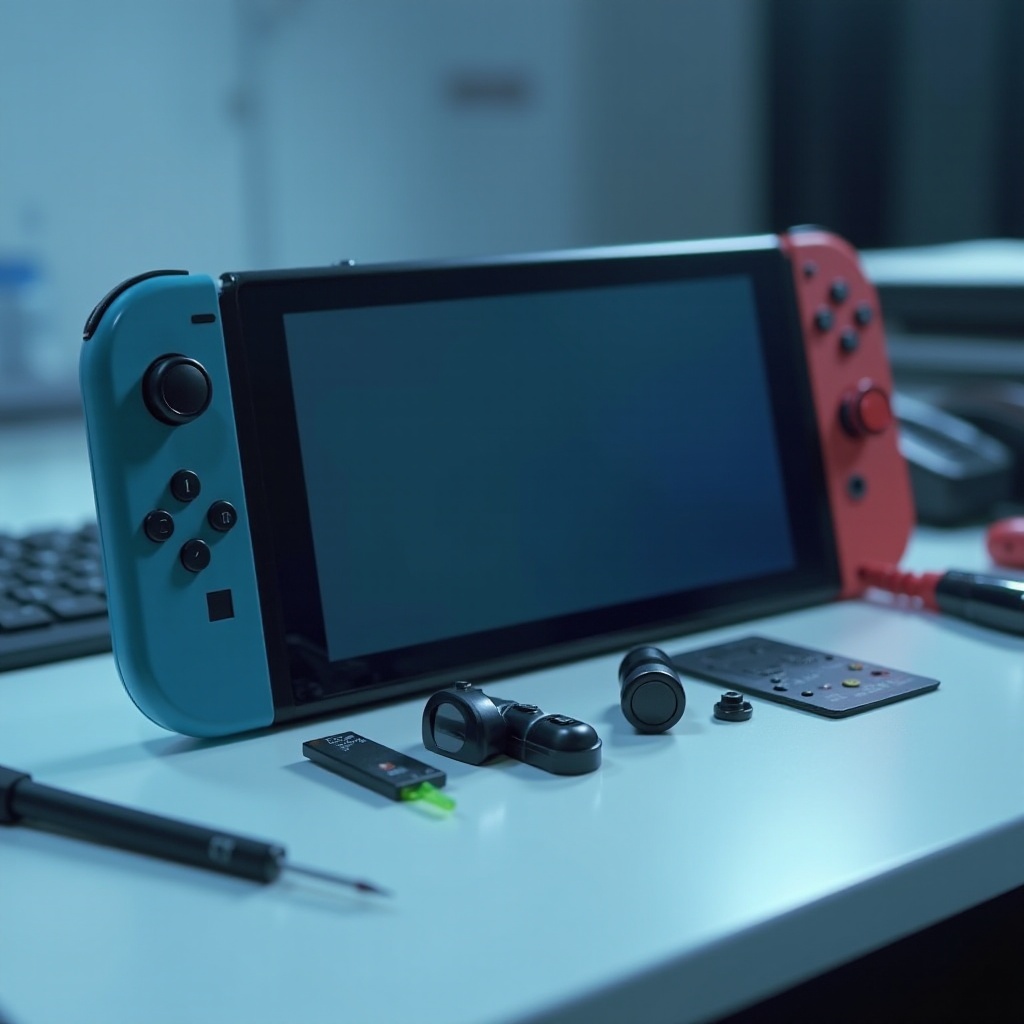
Software-related issues, such as crashes and slow interfaces, can interfere with gaming. It’s important to resolve these problems promptly to ensure your console runs smoothly.
-
Software Crashes: Keeping your system software up to date ensures you have the latest fixes for common bugs. Navigate to ‘System Settings’ and select ‘System Update’ to ensure your system is current.
-
Slow or Unresponsive Interfaces: Boost performance by closing unused applications. This frees up memory and improves responsiveness. Occasionally rebooting your console can also clear temporary system cache.
-
Keeping Software and Firmware Updated: Automatic updates ensure your console and games work optimally. Activate the automatic update setting in your system options to reduce manual checks.
Once both hardware and software issues are addressed, consider improving your console’s connectivity for a more engaging online experience.
Connectivity and Online Challenges
A stable internet connection is essential for utilizing online features to their fullest potential. Problems with connectivity can hamper your access to online multiplayer games and downloads.
-
Fixing WiFi Connection Issues: First, test your switch’s connection to ensure a stable internet signal. Place the console near the router to improve the signal strength. If persistent problems occur, restarting your router could be a practical first step.
-
Addressing Nintendo Online Setup Problems: Ensure your Nintendo Online subscription is active by checking your account settings. If login issues persist, verifying and re-entering your credentials can resolve the problem.
-
Enhancing Online Gaming Experience: Wired connections, through a LAN adapter, provide a more stable connection for online gaming. This reduces latency issues during interactive sessions.
With connectivity in check, maintaining battery health becomes critical for enjoying extended playtimes.
Battery and Power Management
Efficient power management ensures your Nintendo Switch is ready when you are and prolongs its operational life.
-
Prolonging Battery Life: Lower the screen brightness setting to save power, and enable power-saving mode during inactive periods. Avoid keeping the console plugged in after it reaches full charge to prevent long-term battery wear.
-
Efficient Charging Practices: Use the official Nintendo AC adapter. Charge during breaks rather than playing to avoid overheating and potential battery damage.
-
Identifying Charging Port Issues: If your charging port appears faulty, inspect it for dust or damage. Use a small brush or a can of compressed air to clean away debris.
After optimizing battery usage, it’s vital to establish a routine maintenance plan to prolong your console’s health.
Maintaining Your Nintendo Switch
Routine maintenance is essential for enhancing your console’s longevity and performance. Keep your device clean and well-protected.
-
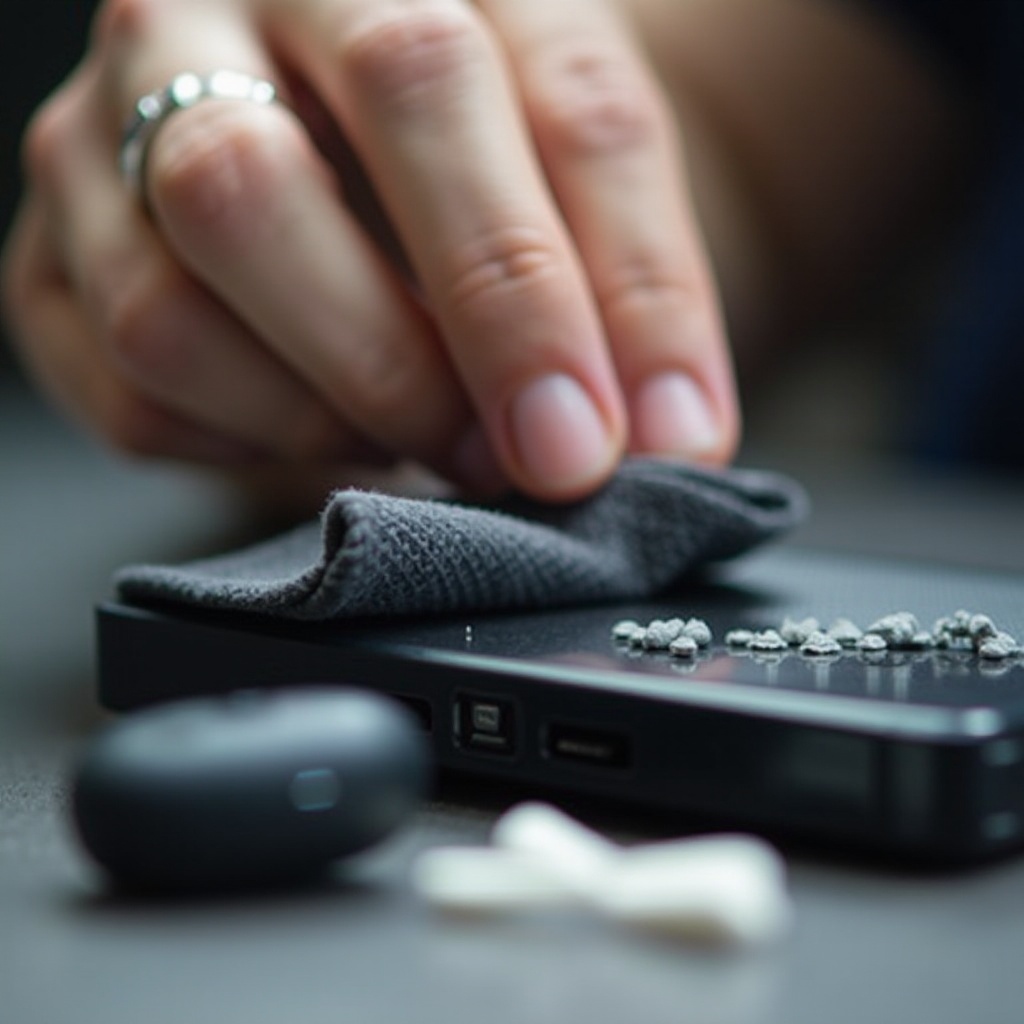
Cleaning and Care Tips: Use a soft microfiber cloth to gently wipe the console’s surfaces, ensuring they remain clean and functional. Avoid liquids or harsh chemicals.
-
Recommended Accessories for Protection: Invest in reliable cases and tempered glass screen protectors to shield your console from potential damage and wear.
-
Routine Checks and Maintenance: Regular checks can preempt future issues. Update the system software consistently and inspect hardware components for any signs of wear.
Even with routine care, some issues require professional solutions. Knowing when to seek help ensures your console receives the necessary attention.
Seeking Professional Help and Warranty Information
Sometimes, professional assistance is needed to address more complex problems. Understanding your warranty and support options can save time and money.
-
Navigating Nintendo Customer Support: For unresolved issues, contact Nintendo’s customer support through their official channels. They offer valuable guidance or repair services, often covered under warranty.
-
Understanding Warranty Coverage: Review your console’s warranty terms to understand what repairs and services are covered. This can provide peace of mind and cost savings.
-
When to Seek Professional Repairs: If your troubleshooting efforts fail, professional repair services can restore your console to optimal functionality.
With these insights, you’re well-equipped to tackle both minor and major Nintendo Switch issues, ensuring your console remains in peak condition for countless hours of gaming enjoyment.
Frequently Asked Questions
How can I fix the Joy-Con drift issue on my Nintendo Switch?
Recalibrate the controller in system settings, clean around the joystick, and contact Nintendo support if needed.
What should I do if my Nintendo Switch won’t connect to WiFi?
Check your internet speed, place the console closer to the router, and consider resetting your router.
How do I handle frequent software crashes on my Nintendo Switch?
Ensure all software is up to date, close unused applications, and periodically restart the console.