Introduction
Computer enthusiasts constantly seek ways to enhance both the functionality and visual appeal of their systems. The integration of displays into computer cases represents one of the most exciting advancements in recent years. These cases not only elevate the visual impact of your setup but also offer practical benefits. This article explores display-integrated computer cases, tracing their evolution, analyzing key features, showcasing top models for 2024, and offering guidance on selecting the right one for your needs.
The Evolution of Computer Cases
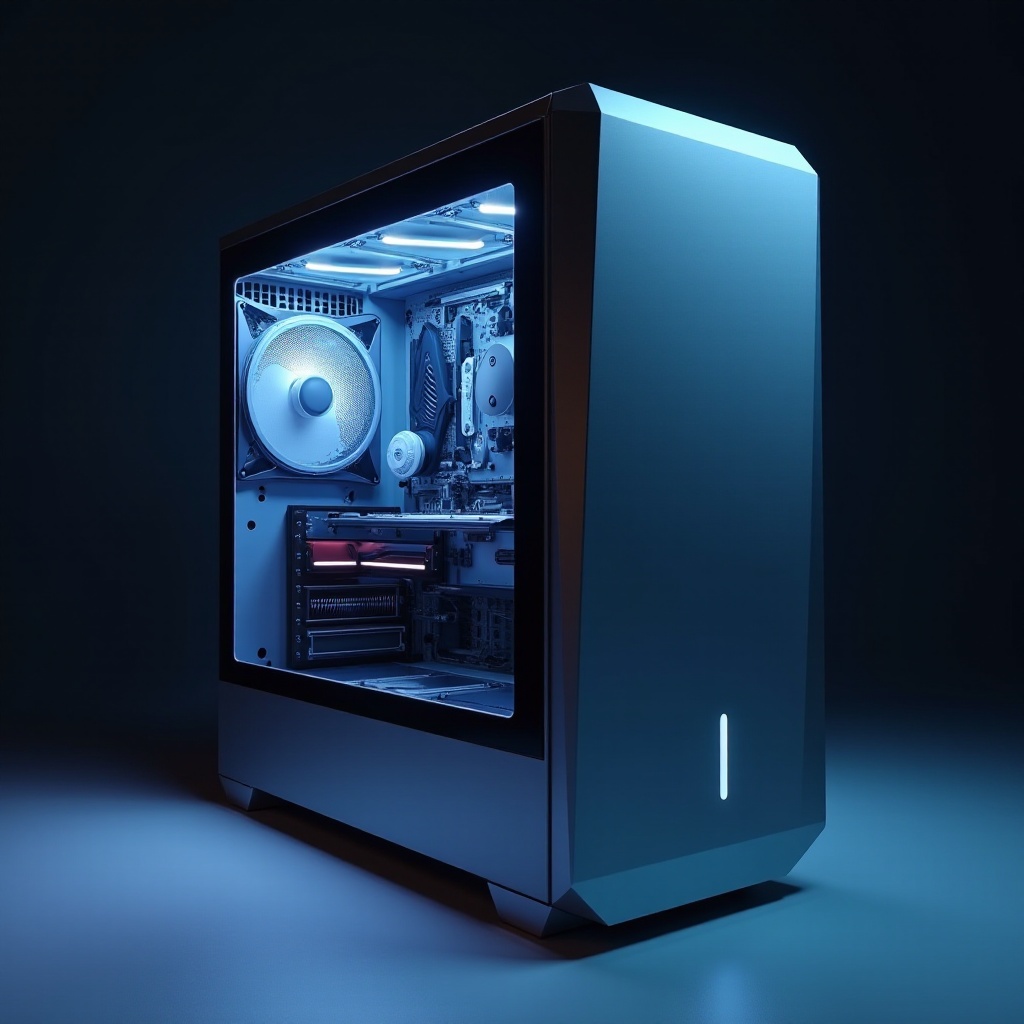
The journey of computer case design has been both practical and fascinating. Originally, cases served a purely functional purpose, focusing on housing and protecting components. These early designs were often basic and utilitarian, prioritizing protection over aesthetics.
As technology advanced and consumer preferences evolved, demand grew for cases offering more than just functionality. This led to customizable options like lighting and tempered glass panels, allowing users to transform their computers into personal expressions of style and technology.
The latest leap forward is the integration of displays, turning cases into dynamic elements of a computing setup. They offer not just real-time system insights but also aesthetic customization options, meeting the modern demand for solutions that combine form and function.

Why Choose a Computer Case with a Display?
The appeal of computer cases with displays extends beyond mere aesthetics. They provide several advantages that cater to a wide range of users, from gamers to professional users.
- Aesthetic Appeal: A built-in display can make your PC the centerpiece of your room, showcasing dynamic wallpapers or animations that reflect your style.
- Real-Time Information: Displays can provide immediate insights into system performance, such as CPU temperature and usage, which are essential for maintaining optimal system performance without cluttering the main monitor.
- Enhanced User Experience: For those involved in gaming or streaming, these cases add functional capacity, offering additional displays without affecting the main monitor’s visual clarity.
These benefits help explain the increasing popularity of such cases among those who prioritize both style and functionality.
Key Features to Look for in Display-Integrated Cases
When choosing a display-integrated computer case, several features should be considered to ensure it meets your needs and expectations.
-
Display Types: LED vs. LCD: The choice between LED and LCD can significantly affect both the display’s visual performance and energy efficiency. LED displays are brighter and more energy-efficient, while LCDs offer greater detail, ideal for intricate graphics.
-
Customization Options and Aesthetic Appeal: Advanced software often accompanies these displays, allowing users to tailor visuals, whether displaying real-time system stats or custom graphics synchronized with other elements.
-
Impact on Performance and Cooling: It is crucial that the additional electronics complement your system’s performance without overheating. High-quality cases are designed to handle the extra heat generated efficiently.
Understanding these elements ensures that your choice of a computer case enhances your setup in terms of both form and functionality.
Top Computer Cases with Displays for 2024
For those considering an upgrade, here are some leading display-integrated computer cases for 2024:
-
Case 1: [Name]: This model offers a high-resolution LED panel and intuitive customization software, perfect for users who demand visual impact and high performance.
-
Case 2: [Name]: Featuring an advanced touchscreen LCD, it offers direct interaction, excellent for tech enthusiasts seeking hands-on control over their display settings.
-
Case 3: [Name]: Designed with minimalist appeal, this case incorporates a subtle LED strip ideal for essential system monitoring without compromising on performance.
Each of these options brings unique features to the table, catering to diverse preferences and ensuring that there’s something for every type of user.

How to Choose the Right Display Case for Your Needs
Deciding on the best case involves comparing your specific requirements and balancing them with available features.
- Considerations for Gamers and Performance Seekers: For high-performance systems, opt for cases with robust cooling systems and display capabilities that provide crucial system information efficiently.
- Balancing Aesthetics and Functionality: Determine how much weight you place on visual appearance versus functional utility. Some might prioritize the visual flair a high-resolution screen offers, while others focus more on robust design efficiency.
A thoughtful assessment of these factors will help ensure that the case you select meets your aesthetic and performance criteria perfectly.
Conclusion
The introduction of display-integrated computer cases is reshaping the landscape of PC design. They embody the balance of aesthetics and functionality that modern users demand. By exploring their evolution and examining key features, you can choose a model that not only enhances your setup’s visual appeal but also boosts its performance.
Frequently Asked Questions
What are the benefits of a computer case with a display?
Display-integrated cases offer aesthetic customization, real-time system monitoring, and enhanced user experiences for gaming and streaming.
Do display cases affect computer performance?
High-quality cases are designed for efficient cooling, ensuring that the additional display does not adversely affect system performance.
How do I maintain a computer case with a display?
Regular maintenance involves cleaning for proper ventilation and ensuring software is updated for smooth display functionality.