Introduction
Television technology has evolved remarkably, offering diverse settings to enhance how we experience visual content. Despite this, many TV owners overlook the importance of adjusting picture settings, which can result in subpar image quality. Optimal settings allow you to unlock the true potential of your TV by producing vibrant colors, crisp details, and realistic images. This guide will walk you through the best picture TV settings to ensure your viewing experience is as immersive as possible.
Understanding Your TV’s Picture Modes
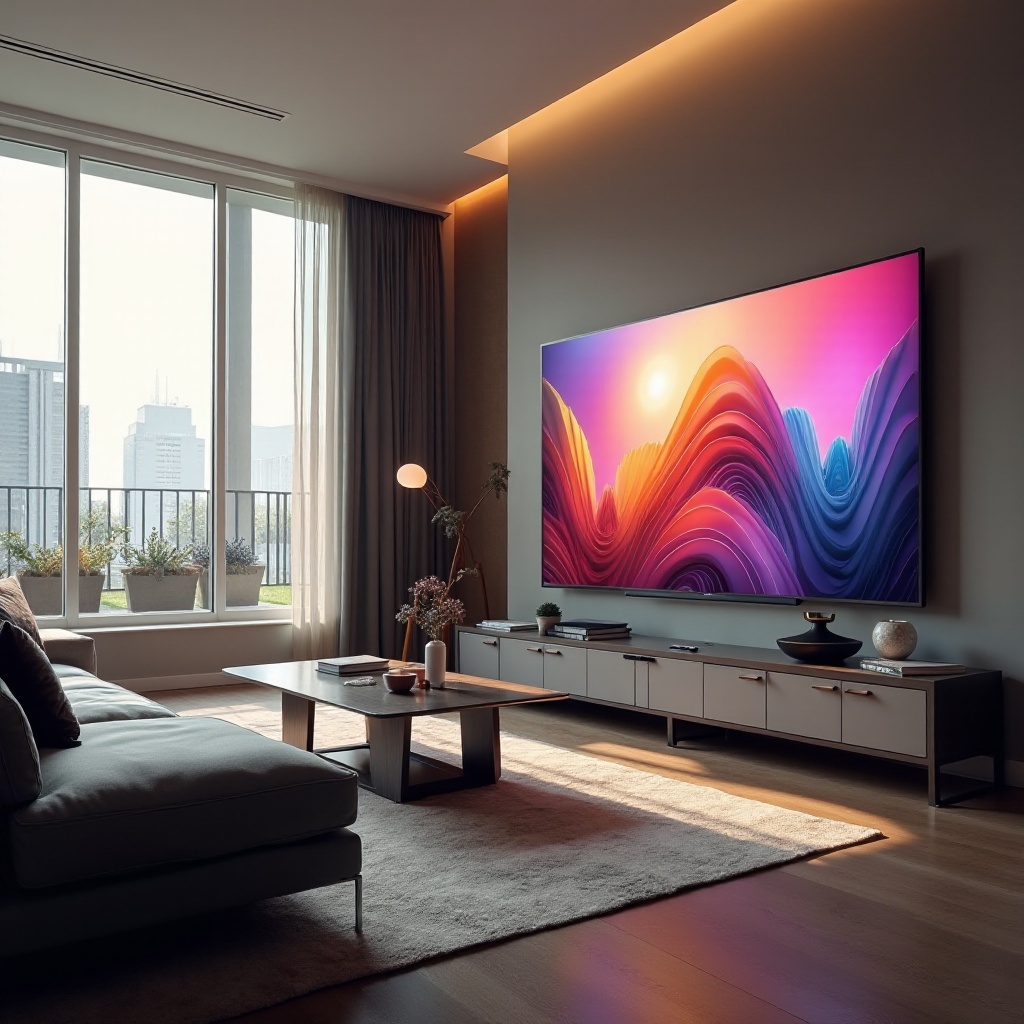
Before making manual adjustments, it is crucial to familiarize yourself with the picture modes available on your TV. Modern televisions typically have several pre-defined modes like Standard, Movie, Vivid, Sports, and Game. These are typically configured for specific content types and ambient light conditions.
- Overview of Common Picture Modes:
Standard mode is ideal for everyday viewing, offering a balance of brightness, contrast, and color saturation. Movie or Cinema mode is designed for viewing in dark environments, resulting in detailed shadows and reduced eye strain. Vivid mode increases brightness and saturation for a striking display, usually unsuitable for extended home viewing. Understanding these modes can guide you to tailor your picture settings more effectively.
Essential Settings to Enhance Picture Quality
Once you have explored the picture modes, delve into essential settings to further refine your image quality. The right adjustments can transform your TV-viewing experience.
-
Brightness and Contrast Adjustments:
Finding the right balance between brightness and contrast is vital. Brightness controls the luminous output from your TV. Aim to adjust it so that blacks are deep without losing detail in the darker areas. Contrast affects the differentiation between bright and dark areas. High contrast exaggerates whites, which can sometimes result in loss of detail, so a moderate setting is usually best. -
Sharpness and How It Affects Image Details:
Adjust sharpness with caution. While it may be tempting to maximize sharpness for clarity, overdoing it can introduce noise, creating an artificial look. Ideally, set sharpness so that the images appear naturally detailed without unnecessary enhancements. -
Balancing Color for True-to-Life Tones:
Over-saturated colors can result in unnatural images. Adjust color saturation to a level that feels true-to-life. Opt for a setting that makes skin tones appear natural and colors vibrant yet realistic.
Advanced Picture Settings for Tech Enthusiasts
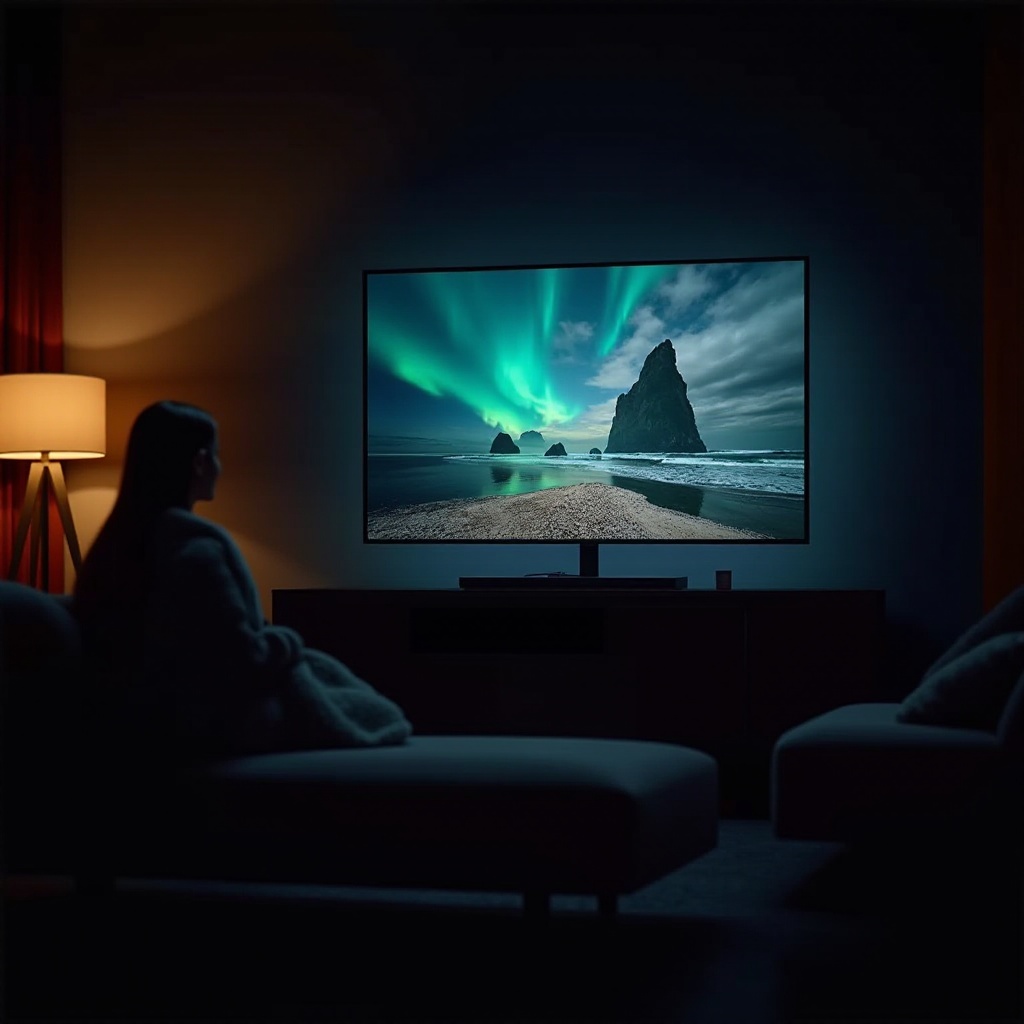
For those who crave the utmost precision in image quality, exploring advanced settings is a fruitful endeavor. Though requiring a deeper understanding, these adjustments can markedly improve picture quality.
-
Navigating Backlight Controls:
Backlight settings manage the TV’s overall light output. This should be tailored based on your room’s lighting conditions—for instance, reducing backlight in darker rooms to avoid glare and eye fatigue. -
Optimizing Gamma for Depth and Detail:
Gamma settings influence the brightness curve of an image, enhancing details in shadows and highlights. Proper gamma adjustments ensure that shadow details are visible without washing out bright parts of the image. -
Tuning Color Temperature for Preferred Warmth or Coolness:
Color temperature settings modify the color balance of white light, offering a warmer (reddish) or cooler (bluish) tone. Choose a setting that best fits your preference and the content type. -
Understanding Motion Smoothing Features:
Motion smoothing can benefit live sports and action-packed sequences by reducing blurring. However, it may introduce the ‘soap opera effect’ that many viewers dislike. Experiment to determine when it enhances or detracts from your viewing pleasure.
Tailoring Settings for Different Content Types
Different types of content require specific settings for optimal viewing. Adjustments for movies, sports, and gaming can make a significant difference in your experience.
-
Best Settings for Cinematic Experiences:
Use the Movie or Cinema mode as a base, adjusting settings for low-light environments to ensure the blacks are rich and colors remain true without being over-saturated. -
Picture Modes for Live Sports:
Opt for Sports mode which enhances motion and adjusts colors to highlight quick movements, making it easier to follow fast-paced actions on the screen. -
Gaming-Specific Adjustments:
Game mode is essential for reducing input lag, ensuring that your onscreen movements mirror your controller inputs instantly, which is crucial for interactive gameplay.
Tools and Techniques for Professional Calibration
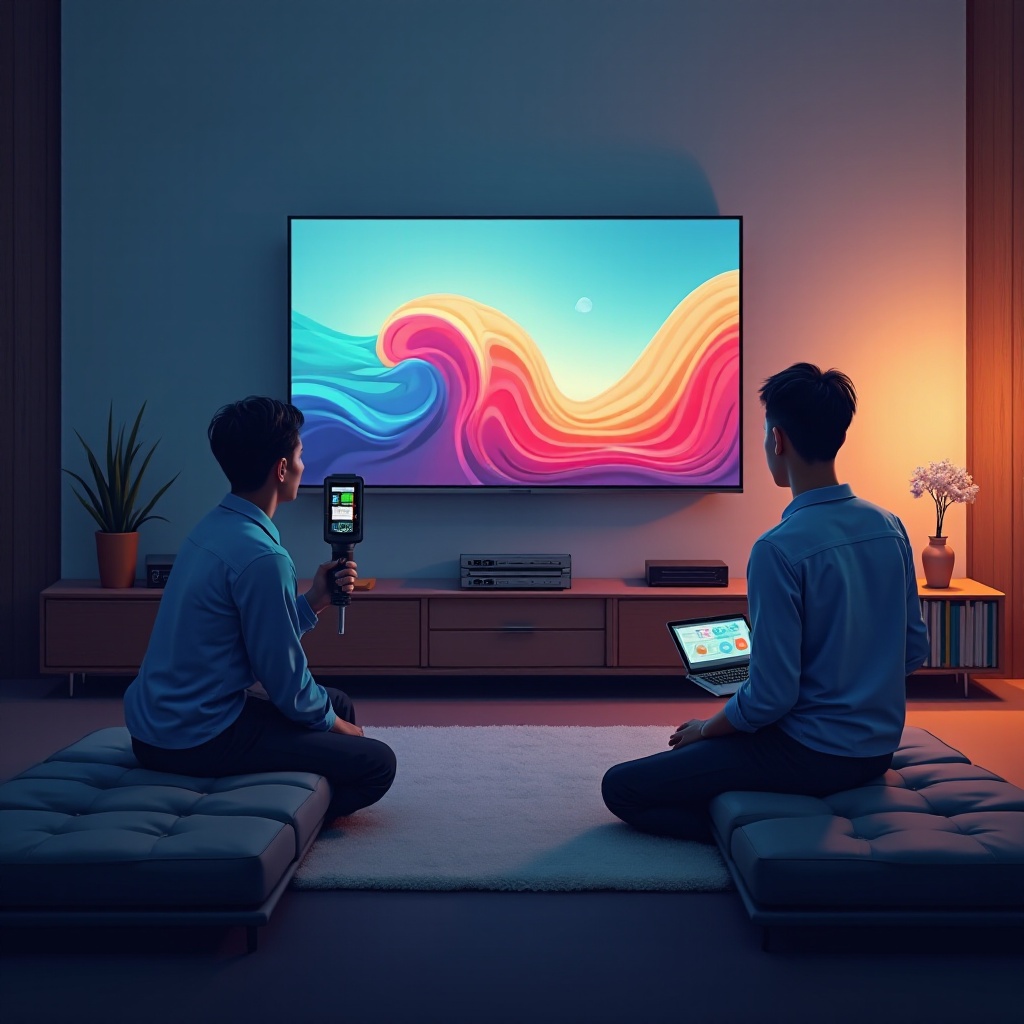
Professional calibration tools and techniques can help achieve even greater picture precision. Consider the following approaches:
-
DIY Calibration vs. Hiring Professionals:
Professional calibrators use advanced equipment to tailor settings to your specific environment and TV model. Alternatively, self-help tools and guides can facilitate a commendable DIY experience for those willing to put in the effort. -
Utilizing Calibration Discs and Apps:
Calibration discs and apps offer step-by-step guidance, making them a practical choice for optimizing your TV without hiring a professional. These tools can help adjust colors, contrast, and other aspects accurately, improving overall picture quality.
Conclusion
Optimizing your TV’s picture settings can drastically improve your entertainment experience, bringing visuals to life with vivid details and balanced tones. With a bit of time and effort, you can personalize your TV’s display to match your preferences, ensuring that your favorite shows, movies, and games are more engaging and enjoyable than ever before.
Frequently Asked Questions
What are the best picture settings for a bright room?
Increase the backlight and adjust contrast to accommodate high ambient light, often using modes like Dynamic or Vivid for better visibility.
Can I use the same settings for all types of content?
While possible, it’s not optimal. Different content types benefit from tailored picture settings for the best viewing experience.
How often should I recalibrate my TV settings?
It is recommended to recalibrate every six months or whenever significant changes in room lighting occur to maintain optimal picture quality.