Introduction
Virtual reality (VR) is transforming how we interact with digital content in entertainment, education, and workspaces. Prominent players in this field, Windows Mixed Reality and Oculus, offer unique propositions for VR enthusiasts and professionals. When deciding between them, it is essential to understand their differences in specifications, user interface, content libraries, and cost to find the right fit for your needs.
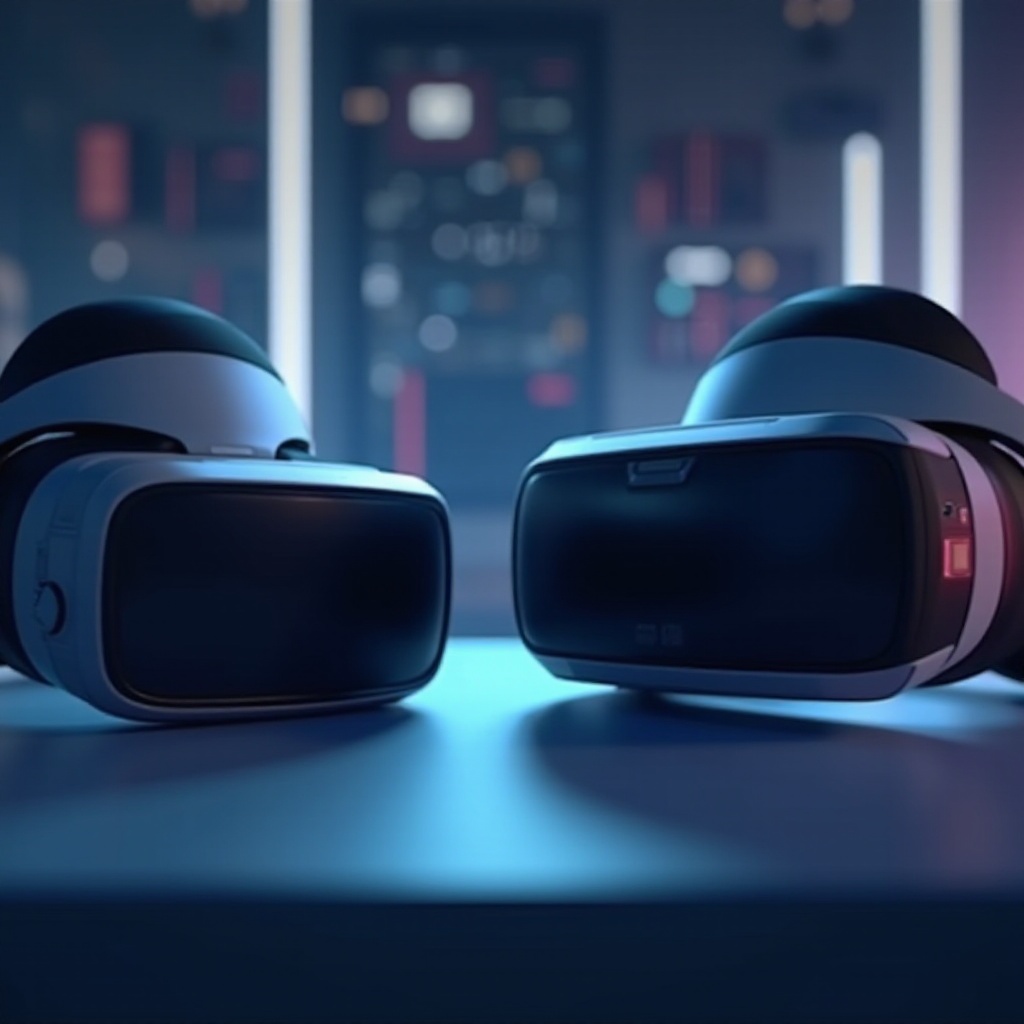
Understanding Windows Mixed Reality and Oculus
Before diving into specifics, it helps to know what each system brings to the table.
What is Windows Mixed Reality?
Windows Mixed Reality is a platform designed by Microsoft, intended to blur the lines between the physical and digital worlds. The system supports an array of headsets from various manufacturers, allowing for tailored experiences based on user preference, featuring spatial awareness and unique mixed-reality portals.
What is Oculus?
Oculus, a leader in VR technology under Meta (formerly Facebook), is renowned for delivering an immersive experience with minimal setup. Notably, the Oculus Quest series offers a standalone, easy-to-navigate VR platform that has won over many users for its convenience and performance.
Technical Specifications and Hardware Requirements
A closer examination of technical and hardware specifications can clarify which system aligns with your expectations.
Windows Mixed Reality Specs
Windows Mixed Reality headsets typically boast high-resolution displays and ergonomic designs. They require a compatible Windows 10 PC designed for VR applications. These headsets include mixed-reality controllers and inside-out tracking, simplifying setup without the need for external sensors.
Oculus Specs
Oculus devices, especially the Quest lineup, operate as standalone units with impressive display resolutions and refresh rates that ensure a smooth and engrossing VR experience. These units leverage Oculus Insight tracking, allowing dynamic movement without tethering to a PC.
User Experience and Interface
A seamless user interface significantly enhances the VR experience, making ease of use a crucial factor.
Setup Process
Both systems are user-friendly, albeit with different underlying technologies. Windows Mixed Reality involves connecting to a compatible PC, requiring environmental calibration. Oculus systems, particularly the Quest series, need no PC; users simply power on, follow onscreen prompts, and commence their virtual exploration effortlessly.
Ease of Use
The consistent interface of Windows Mixed Reality across various headsets offers familiarity to Windows users. Oculus prioritizes an intuitive interface with easy navigation across applications and settings, making it attractive to beginners and seasoned VR users alike.

Content and App Availability
A diverse library of content can significantly enrich the VR experience provided by each system.
Windows Mixed Reality Content
Via the Microsoft Store and SteamVR compatibility, Windows Mixed Reality grants users access to an expansive library of games and experiences. This cross-compatibility is a boon for users who wish for an extensive and varied content selection.
Oculus Content
Oculus’s greatest strength is its exclusive content and a robust library available through the Oculus Store. Particularly, the Quest series thrives on partnerships with developers, delivering diverse titles spanning multiple genres, including education, fitness, and entertainment.
Performance and Graphics Quality
When it comes to VR, performance and graphical quality are paramount to achieving a truly immersive experience.
Visual Experience
Windows Mixed Reality generally presents rich visuals and vibrant color schemes through varied headsets, though subject to the PC’s capabilities. On the other hand, Oculus consistently receives accolades for its visual clarity and seamless execution, especially noted in its Quest 2 headset.
Motion Tracking and Responsiveness
Each platform employs distinctive tracking technologies to enhance user immersion. Windows Mixed Reality uses inside-out tracking for precise motion detection, whereas Oculus deploys its Insight technology for dynamic tracking, both ensuring engaging and responsive VR experiences.
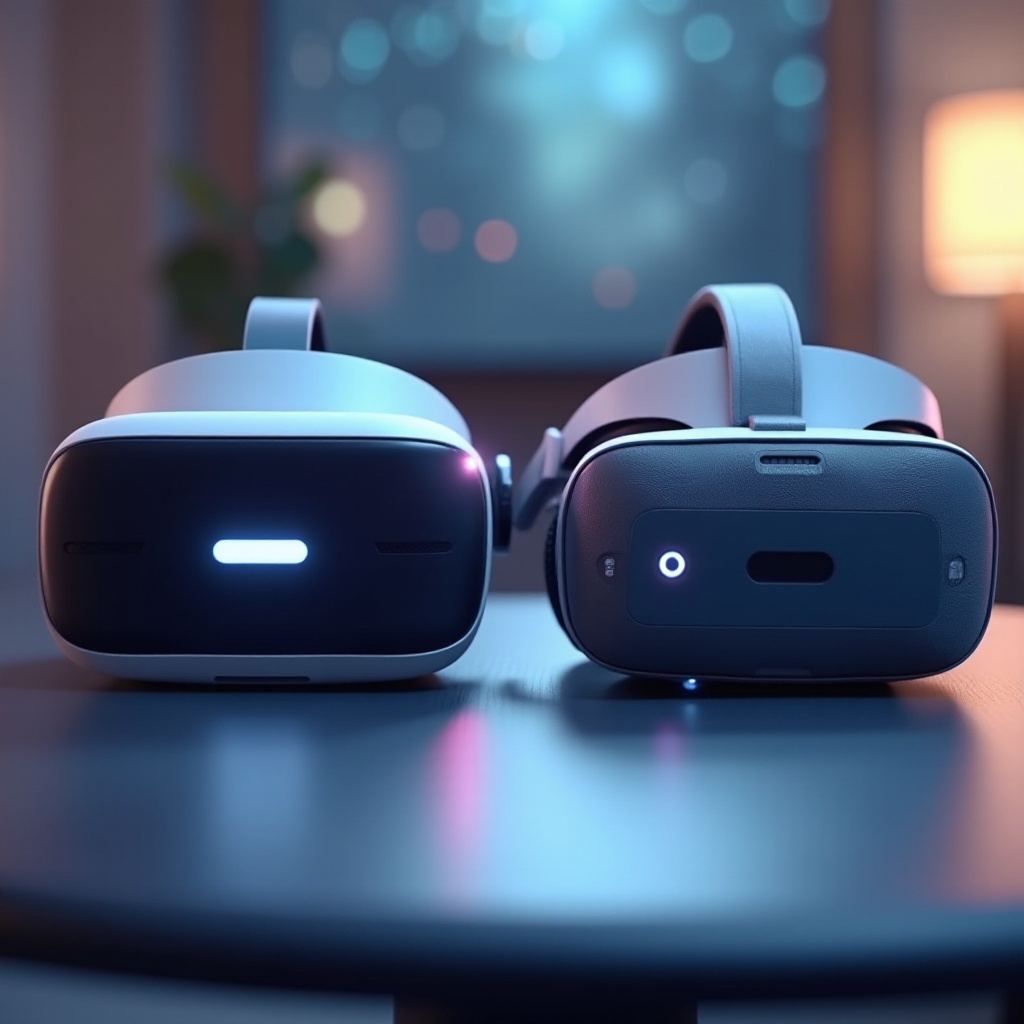
Price and Value for Money
Cost-effectiveness is a critical consideration for anyone investing in a VR solution.
Cost Comparison
Windows Mixed Reality offers diverse pricing based on specifications and manufacturers, catering to varied budgets. Conversely, Oculus presents standardized pricing with its Quest series, making it attractive for those seeking a self-contained, affordable VR platform.
Long-term Investment
Expanding the analysis to long-term costs, one should consider software purchases, accessories, potential upgrades, and the equipment’s durability. While Windows Mixed Reality may require a high-spec PC, Oculus minimizes additional expenses through its standalone capabilities.
Conclusion
Ultimately, the choice between Windows Mixed Reality and Oculus hinges on personal needs and preferences. Windows Mixed Reality extends its utility with PC integration and versatile application support, effectively catering to users desiring compatibility with existing ecosystems. In contrast, Oculus, notably the Quest series, offers standalone efficiency and a compelling content library, suitable for those prioritizing ease of use and immersive experiences. By contrasting these features, users can select the system that best fits their VR goals.
Frequently Asked Questions
What are the main differences between Windows Mixed Reality and Oculus?
Windows Mixed Reality integrates more with PC ecosystems and offers mixed-reality features, while Oculus provides easy-to-use standalone VR experiences.
Which VR system is better for gaming in 2024?
Oculus generally offers a better gaming experience due to its exclusive titles and seamless integration, though Windows Mixed Reality is versatile with SteamVR support.
Are there unique features exclusive to Windows Mixed Reality or Oculus?
Windows Mixed Reality has inside-out tracking and mixed-reality experiences, while Oculus boasts standalone capabilities and many exclusive titles.