Introduction
Choosing the right gaming mouse can significantly enhance your gaming experience, offering precision and boosting your performance. Corsair stands as a reputable brand known for producing high-quality gaming peripherals, particularly with its wireless mice that merge advanced technology with ergonomic designs. This guide dives into the best Corsair wireless mice available in 2024, highlighting their unique features and helping you make an informed decision.
Why Choose a Corsair Wireless Mouse?
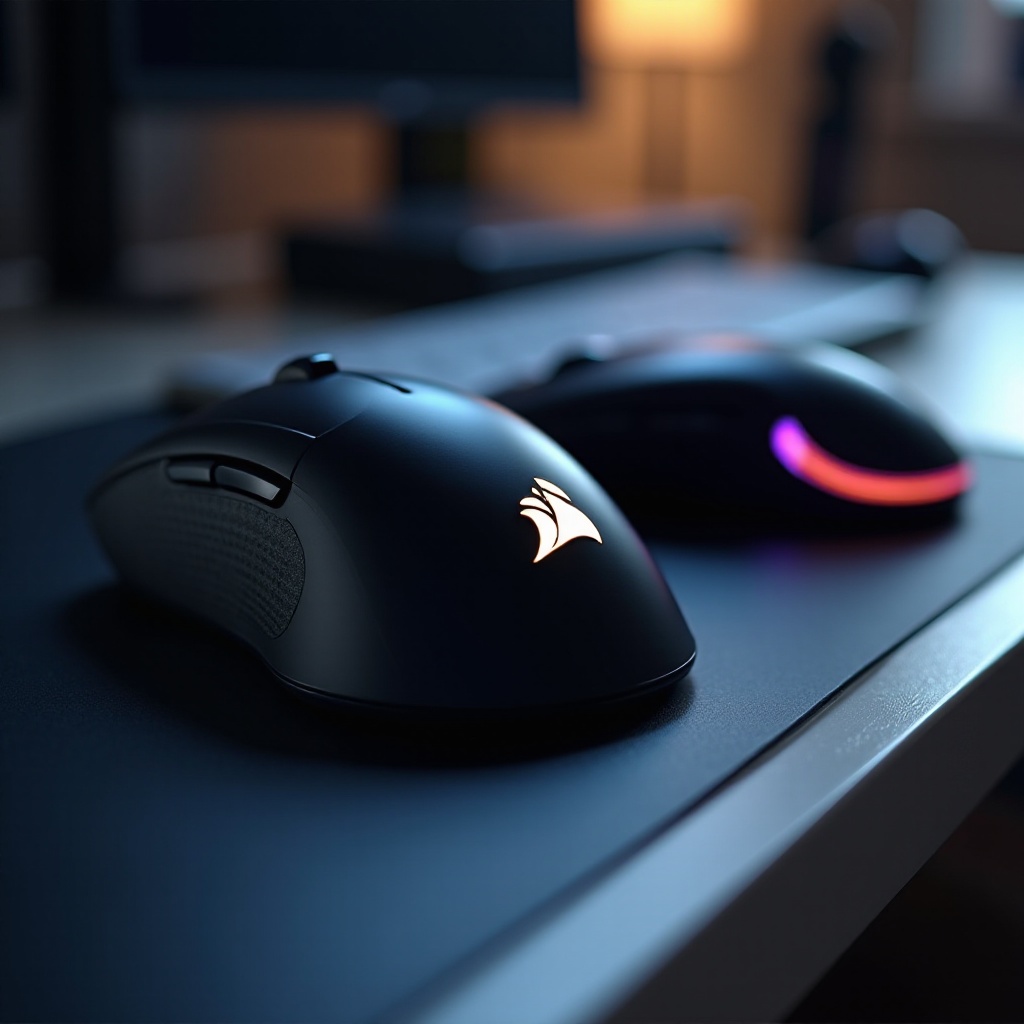
Corsair wireless mice are renowned for their blend of cutting-edge technology, ergonomic design, and dependable performance. The brand has made significant advancements in wireless technology, reducing latency to provide a seamless gaming experience. Moreover, Corsair’s mice are highly customizable, catering to specific gamer preferences through adjustable settings and configurations.
When deciding on a gaming mouse, reliability and precision are paramount, and Corsair’s lineup delivers on both fronts. Their diverse range caters to different gaming styles and needs, making it essential to explore what each model offers.

Top 5 Corsair Wireless Mice in 2024
To assist in choosing the right mouse for your gaming setup, we’ve reviewed the top Corsair wireless mice for 2024, each featuring capabilities suited to various needs.
Corsair Harpoon RGB Wireless
Combining performance with affordability, the Corsair Harpoon RGB Wireless is lightweight and equipped with a 10,000 DPI optical sensor, ideal for gamers requiring quick reflexes and precision. Its customizable RGB lighting adds a personal touch, and the durable Omron switches enhance longevity.
Corsair Dark Core RGB Pro SE
Perfect for those who value high performance and style, the Dark Core RGB Pro SE features an 18,000 DPI sensor and hyper-polling technology for speed and precision. Its contoured shape and wireless charging potential make it excellent for extended gaming sessions, while its comprehensive RGB lighting zones impress visually.
Corsair Katar Elite Wireless
Compact yet powerful, the Katar Elite Wireless sports a remarkable 26,000 DPI sensor. Designed for claw grip users, it offers performance akin to wired models without restricting movement. With its onboard memory, you can store customized profiles, making it easy to switch between different gaming setups.
Corsair M65 RGB Ultra Wireless
Favored by FPS enthusiasts, the M65 RGB Ultra Wireless is acclaimed for its precision. Featuring a 26,000 DPI optical sensor and tunable weight system, it offers customizable control. The model uses slipstream wireless technology to reduce latency, making it a great choice for competitive gamers.
Corsair Saber RGB Pro Wireless
Combining a lightweight design with high functionality, the Saber RGB Pro Wireless offers an ergonomic shape suitable for long gaming periods. Its 26,000 DPI optical sensor ensures accuracy, while ultra-responsive Quickstrike buttons allow swift firing. Customizable button assignments via iCUE software add to its appeal.
Key Features to Consider When Buying a Corsair Wireless Mouse
Choosing the right mouse involves more than selecting a popular model; it requires considering features that align with your gaming preferences.
Sensor and DPI Settings
A high DPI sensor contributes to greater sensitivity and accuracy, making it essential for gamers. Opt for mice with a higher maximum DPI for enhanced performance in precision-demanding games.
Ergonomics and Comfort
Comfort is crucial during extended gaming sessions. Select a mouse that accommodates your preferred grip style—palm, claw, or fingertip. Ergonomically designed mice can help prevent strain and improve gaming control.
Battery Life and Charging Options
Reliable battery life ensures uninterrupted play. Consider mice with convenient charging options, such as wireless charging or USB-C, to minimize downtime and ensure readiness for action.
Understanding these features is vital when setting up your mouse for optimal gaming performance.
How to Set Up Your Corsair Wireless Mouse for Optimal Performance
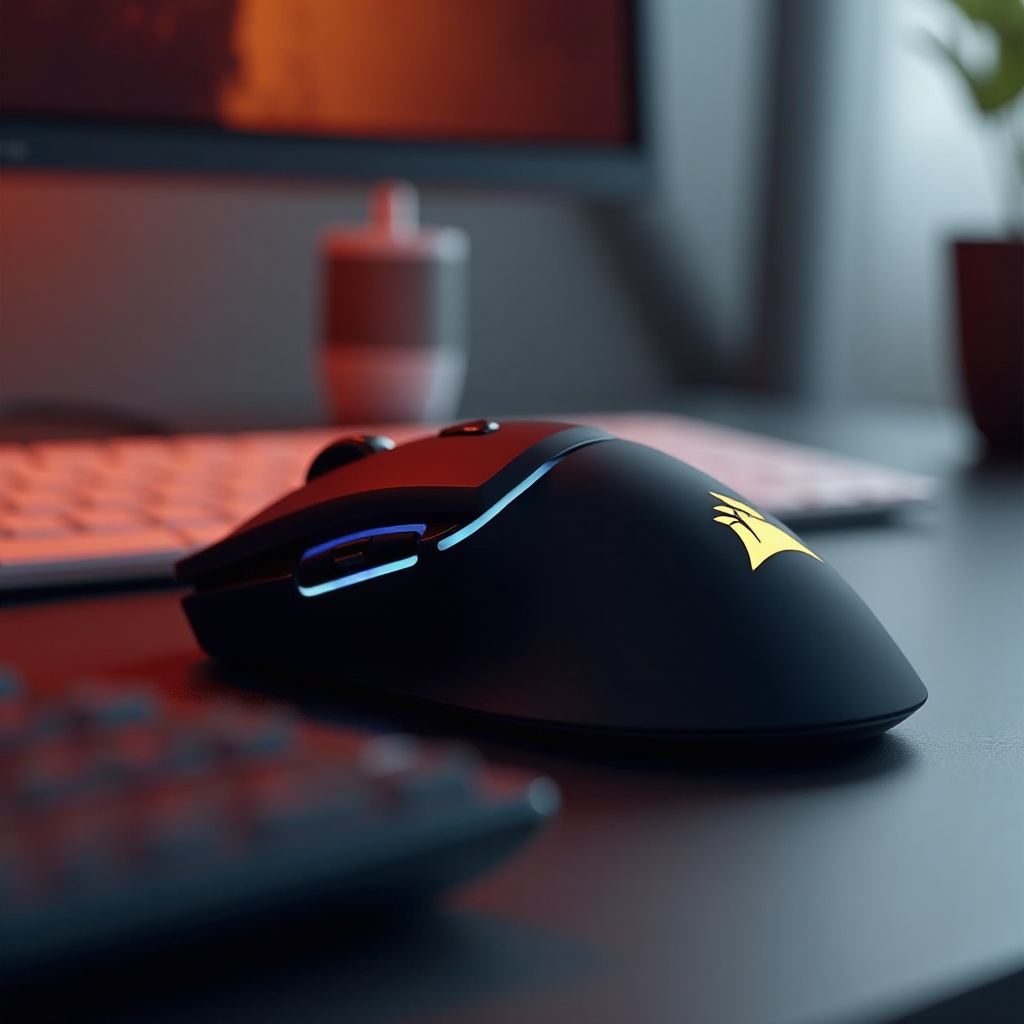
After choosing your mouse, setting it up correctly is crucial to unlocking its full potential. Follow these guidelines:
- Install the Latest Firmware: Ensure your mouse’s firmware is up-to-date by downloading updates from Corsair’s website.
- Customize with iCUE Software: Utilize iCUE software to adjust DPI settings, program buttons, and personalize RGB lighting.
- Optimize Battery Usage: Adjust settings such as lighting brightness and DPI to balance performance with battery life.
- Test Sensitivity and Responsiveness: Tweak your settings in favorite games until finding your perfect balance
By embarking on these pathways, you tailor your Corsair wireless mouse to your unique gaming requirements, enhancing your interaction.
Conclusion
Selecting the right wireless mouse can elevate your gaming setup, and Corsair’s range offers models to suit a variety of needs. By focusing on features like ergonomic design, DPI settings, and setup capabilities, you can significantly improve your gaming performance. Whether your priority is comfort, precision, or customization, Corsair has an excellent wireless mouse for you.
Frequently Asked Questions
What is the best Corsair wireless mouse for gaming in 2024?
For competitive gaming, the Corsair M65 RGB Ultra Wireless is highly recommended due to its precision, DPI range, and ergonomic design.
Are wireless mice reliable for competitive gaming?
Yes, modern wireless mice like those from Corsair feature minimal latency, making them reliable for competitive environments.
How do I customize my Corsair mouse settings?
Download the Corsair iCUE software, which allows you to customize DPI, RGB lighting, and button configurations for your mouse.